With Kreezalid, you can manage several navigation menus in your marketplace:
- Main menu: This is the main navigation menu, placed on the top of your marketplace. We usually return the Home button, Contact, Login.
- Footer menu: this is the secondary menu at the bottom of your marketplace. It only sets the footer’s short links: the columns and the rest are set elsewhere, see Customize your footer.
From your administrator dashboard, you can rename, delete, or add links to your menus.
To start customizing your navigation menus, go here:
Navigation > Main Menu
Navigation > Footer Menu
The main menu
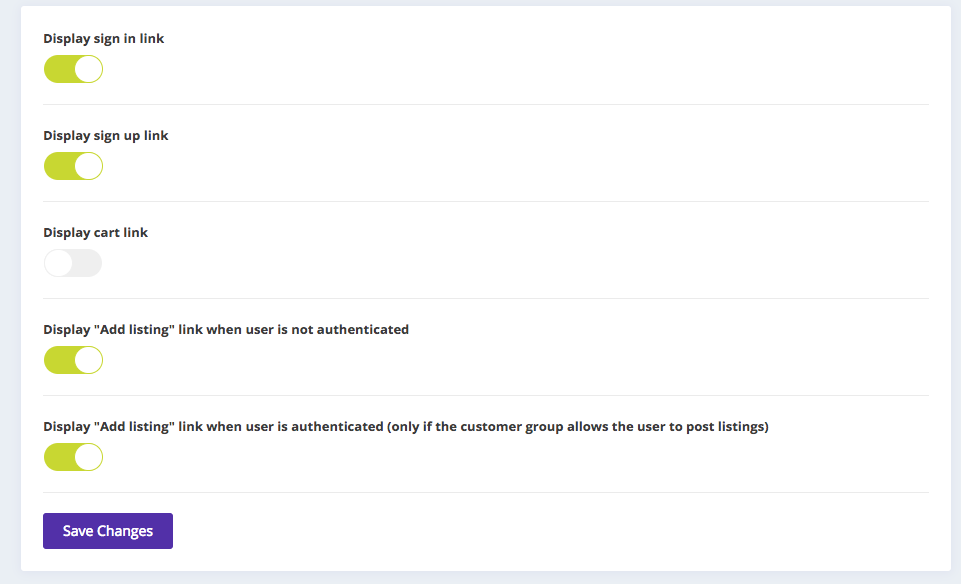
By default, we find in this menu the following elements:
- Cart
- Link to the registration page
- Link to the login page
- Add a listing button
You can choose to show or hide these links: