How to display listings on your homepage
Kreezalid’s default theme lets you display a selection of listings on your homepage
Activate the section allowing you to display listings on the homepage
-
Go to the
Theme > Home page > Featured listings -
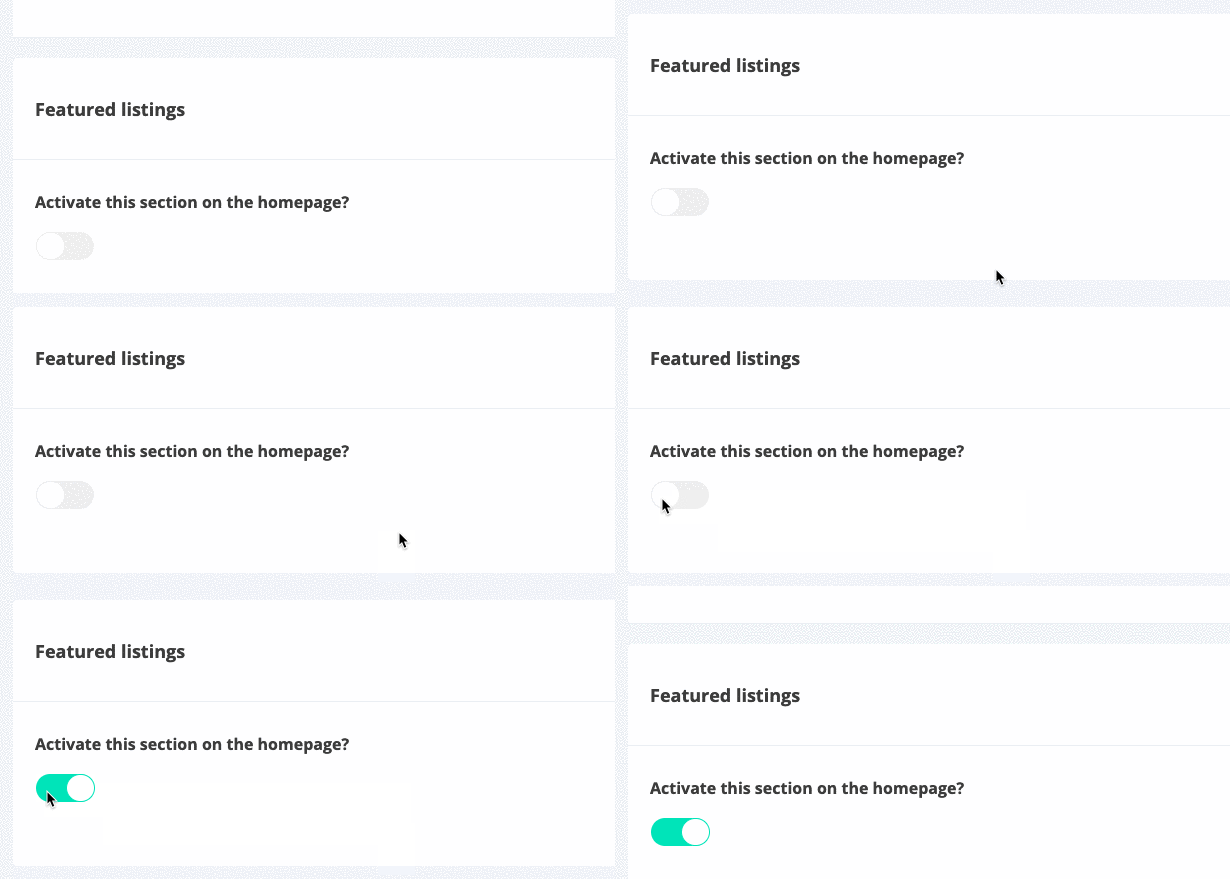
Activate the section :
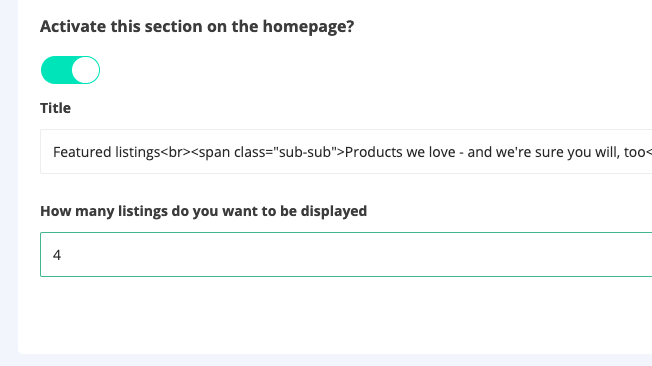
- Choose the number of listings to be displayed on the homepage :
By default, we display in this section the most recent listings
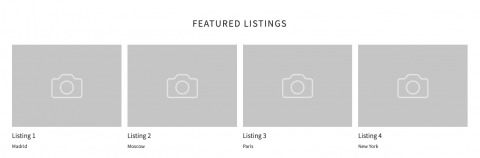
Important: If you don’t have any listings on your site yet, we display fictitious listings that simply allow you to see the location of the section on the homepage :
How to display specific listings on the homepage
-
To create your own selection of listings in this section, go to the
Listings tab of your dashboard. -
Select the listing you want to display on the home page
-
In
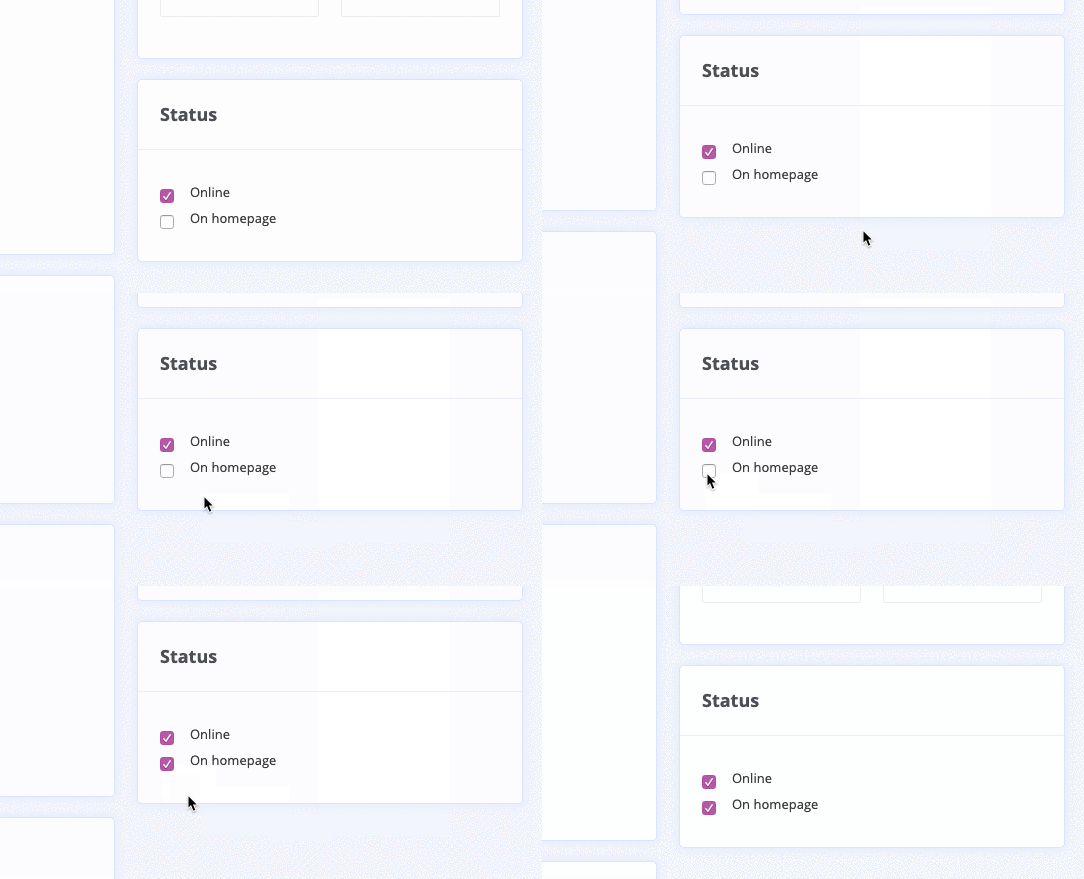
Statusselect the “On homepage” option :