
You can set a minimum quantity per order.
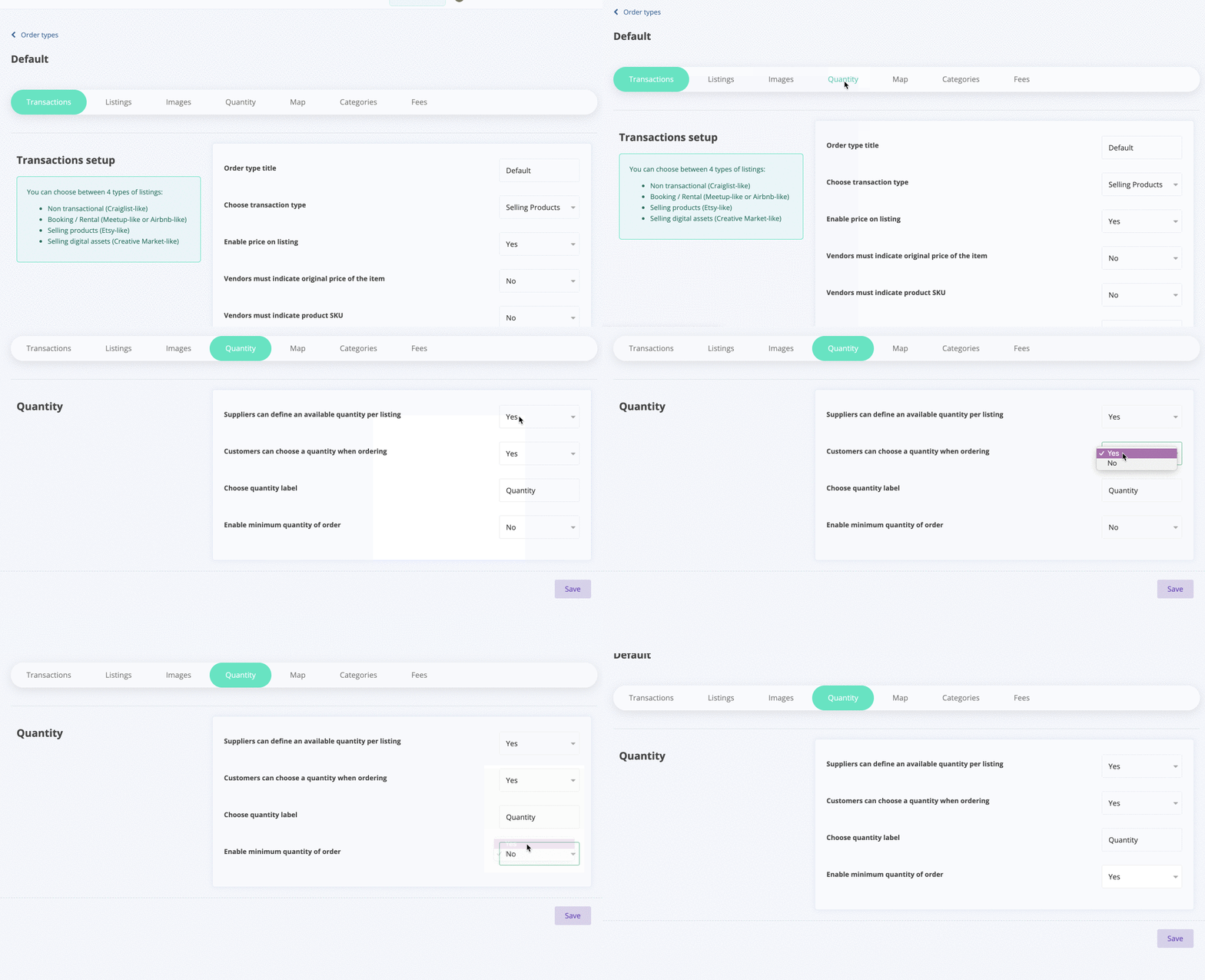
To do so, go to your admin panel: Order types > Quantity
Enable the “Minimum order” option:
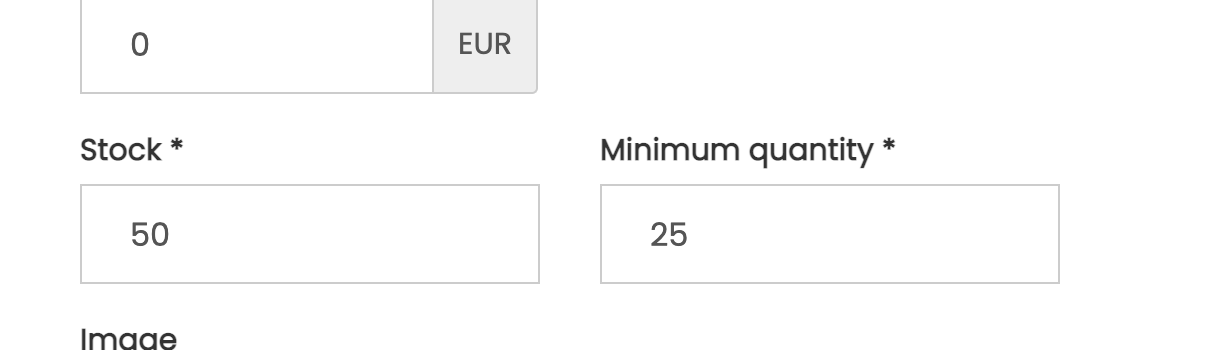
Once this option is activated, the vendor is now able to set a minimum quantity per order when creating their listing :
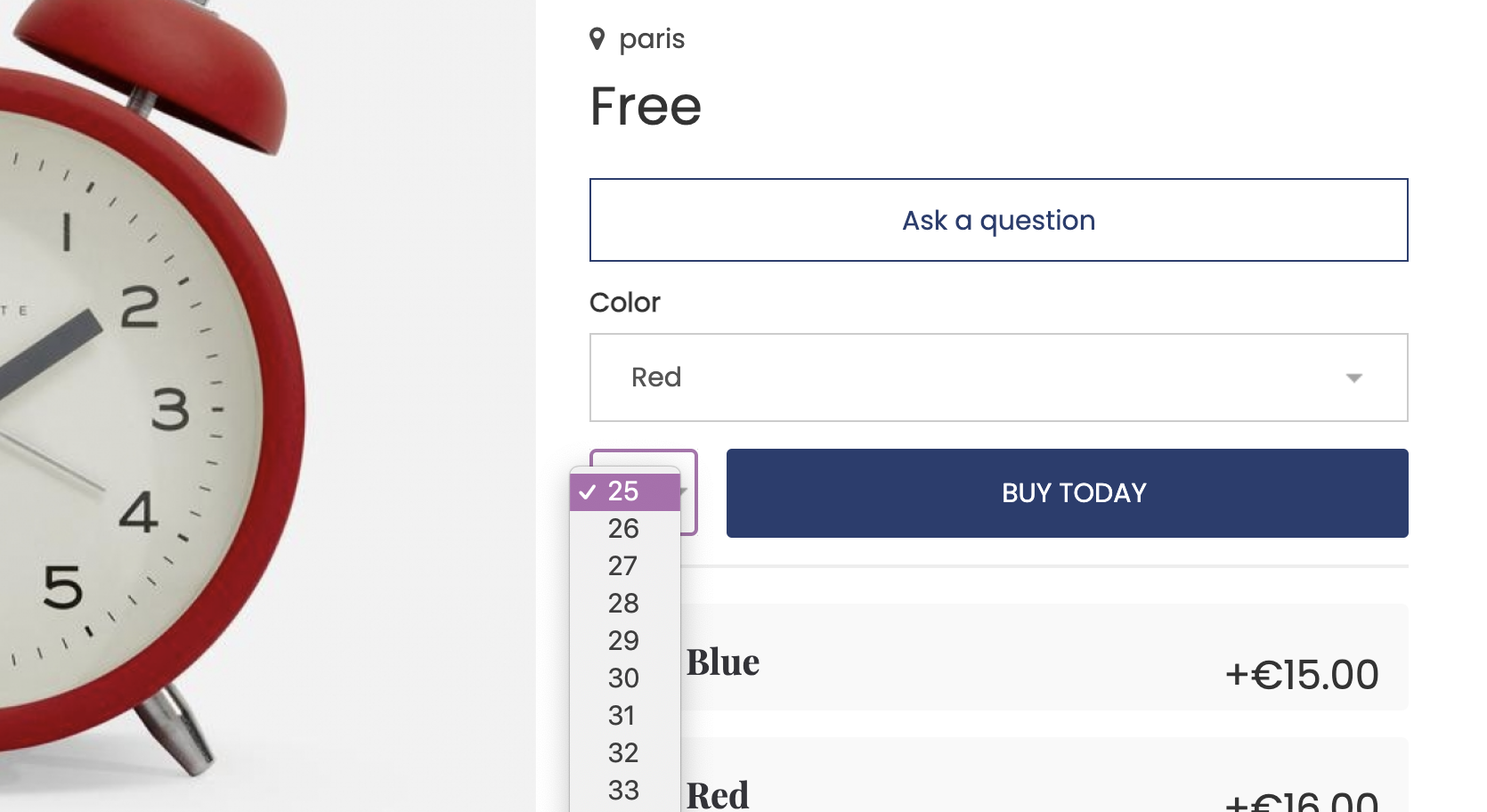
The result on the listing page:
The quantity picker starts at 25.
 *
*