
A user group cannot be deleted from the system.
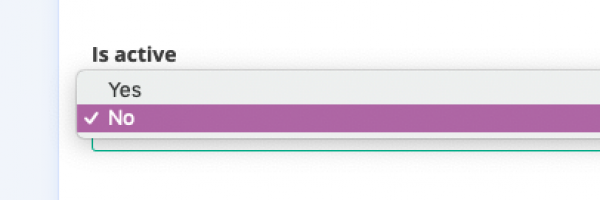
However, you can deactivate a user group in your admin panel in the tab Settings > Users > User group. Select the group of your choice and set the option “Is active” to No, then Save.
A user group cannot be deleted from the system.
However, you can deactivate a user group in your admin panel in the tab Settings > Users > User group. Select the group of your choice and set the option “Is active” to No, then Save.
Type at least 2 characters to search the help center.